 DROPWEBS
 DROPWEBS
Step 01
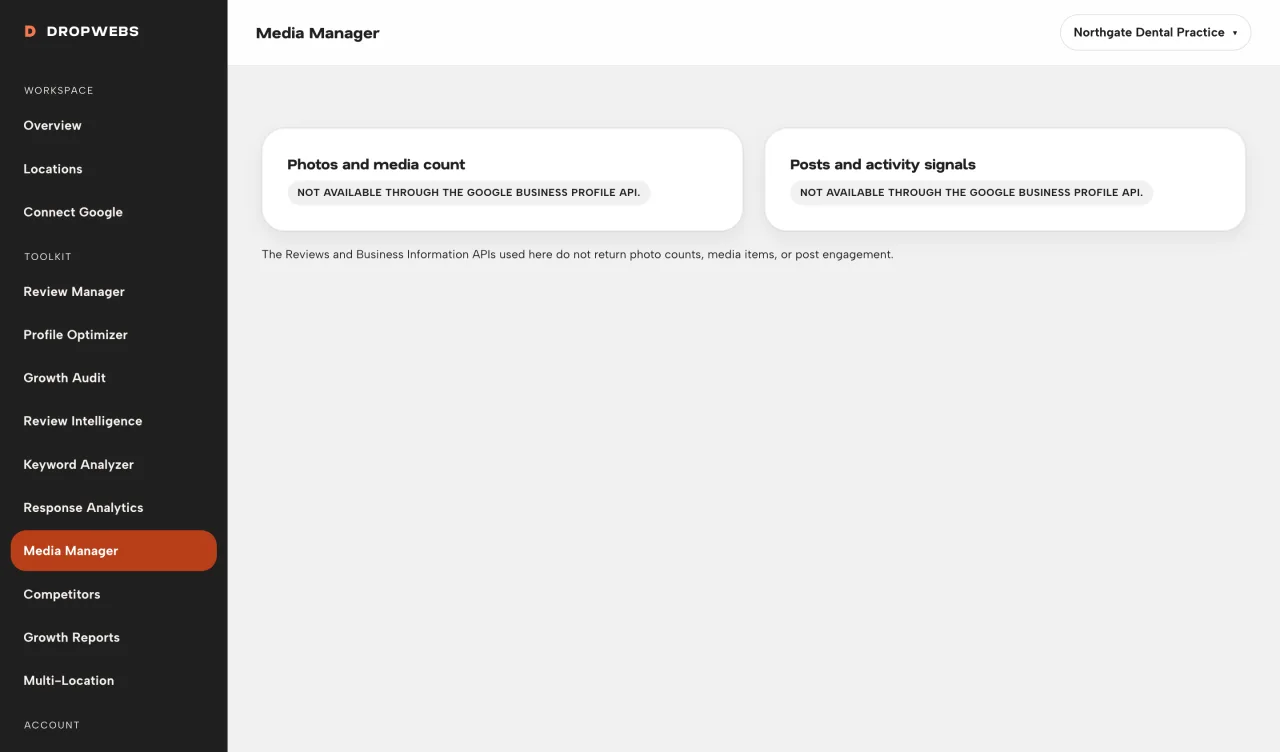
Open Media Manager on the location
Available vs not-exposed is driven by the API payload you synced.
Open Media Manager to read what Google returned for photos and related fields. Where the API is silent, the page says so instead of scoring your gallery.
Step 01
Available vs not-exposed is driven by the API payload you synced.
Step 02
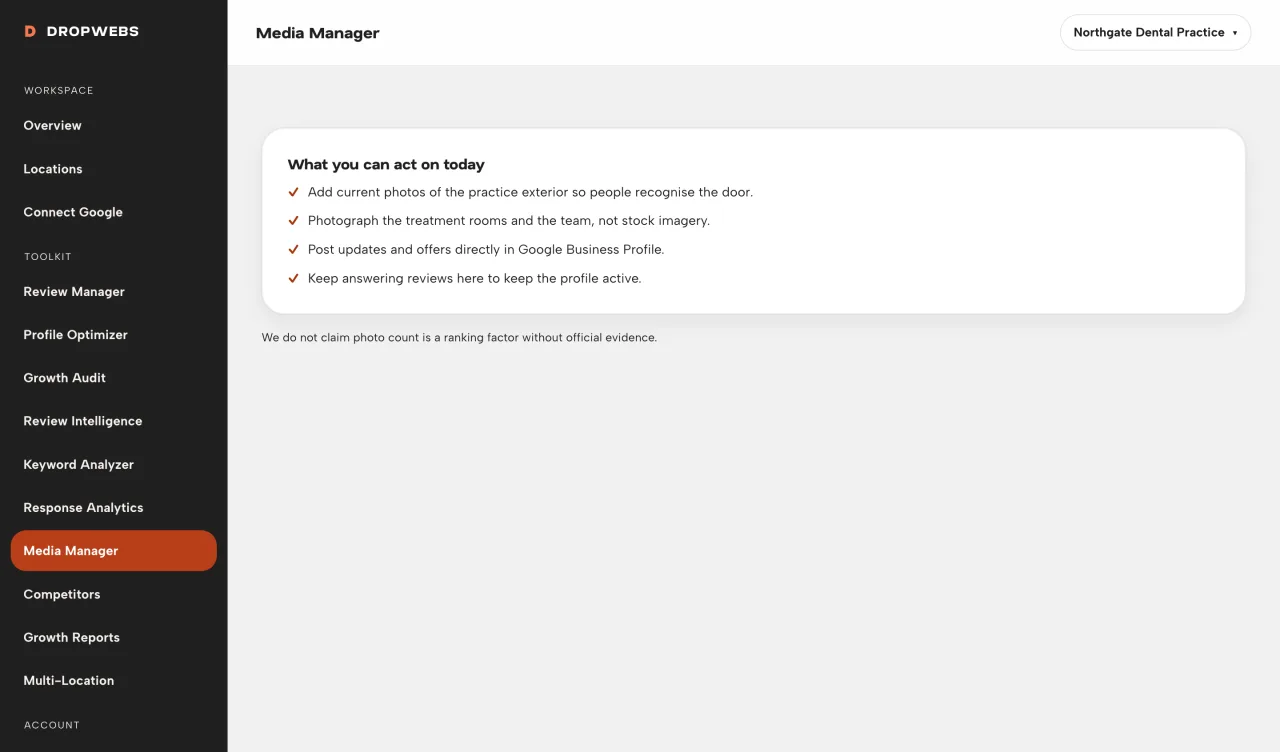
If the recommended action is “edit in Google”, do it there, then sync.
Step 03
There is no Dropwebs photo score. If you need new photos, upload them in Google Business Profile.