 DROPWEBS
 DROPWEBS
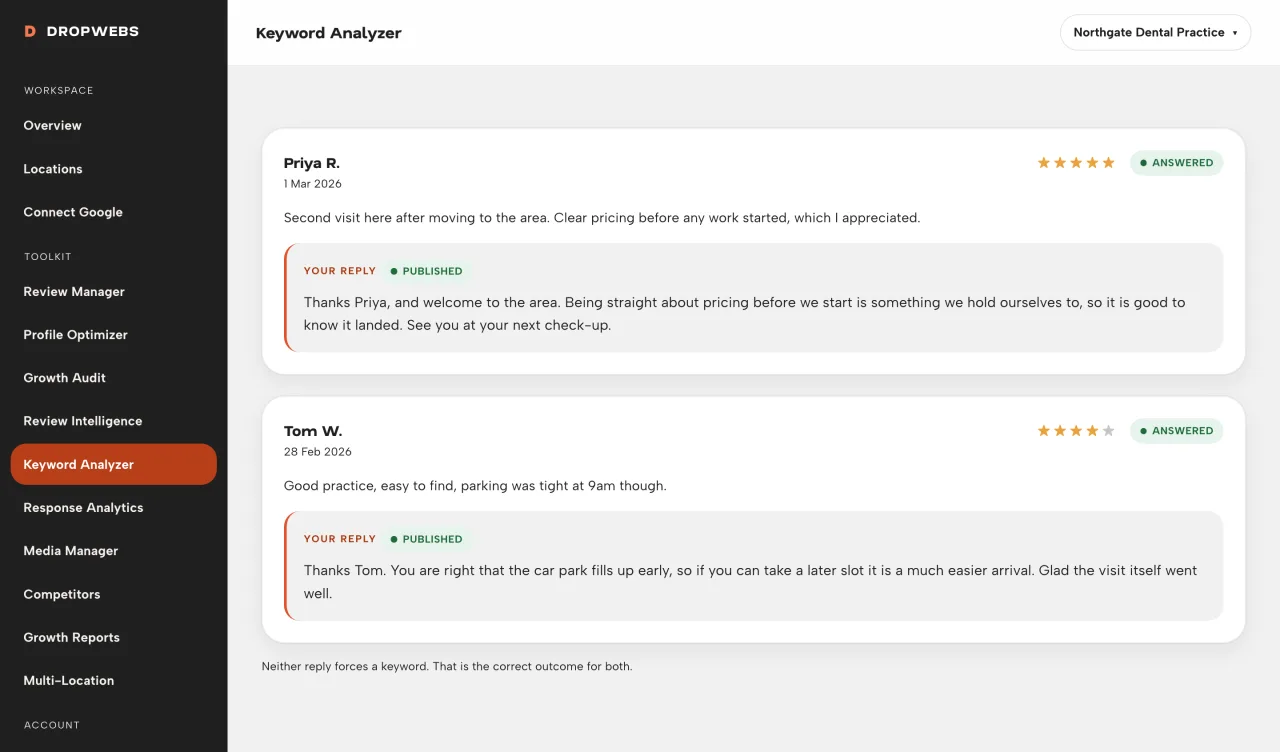
Step 01
Open Keyword Analyzer on the location
If the set is too small, the page says insufficient instead of ranking noise.
Run Keyword Analyzer on a location with enough review text. Use primary/secondary lists as language customers already used, not as Google Ads keywords.
Step 01
If the set is too small, the page says insufficient instead of ranking noise.
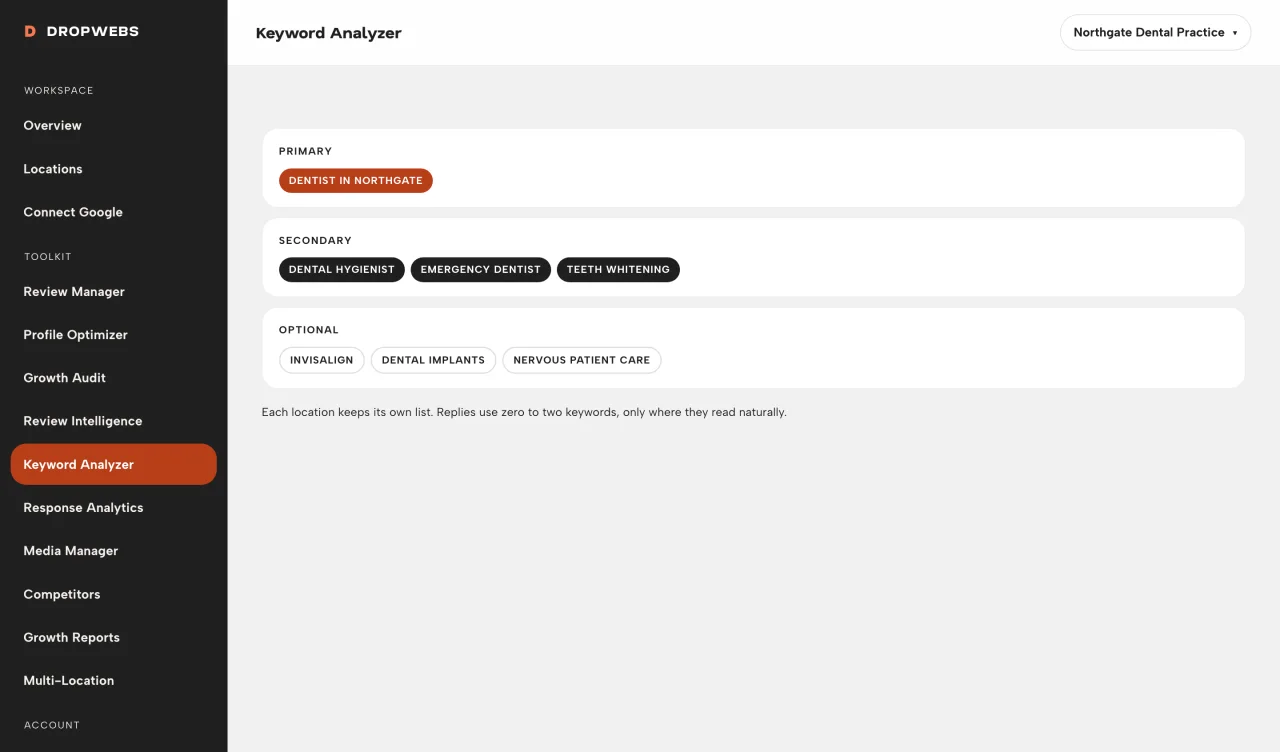
Step 02
Primary phrases appeared more often in your comments. Secondary are weaker. Neither is a ranking factor.
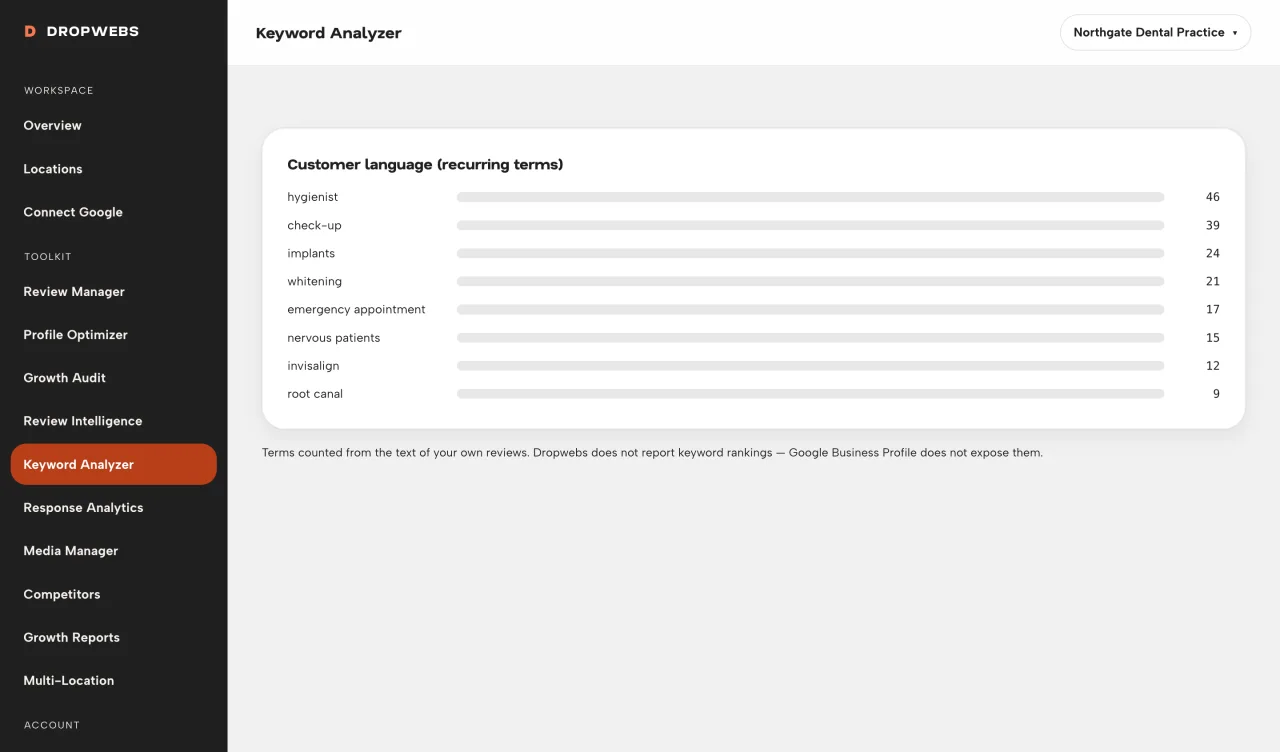
Step 03
If comments are mixed-language, the tool groups what it actually saw.
Step 04
Paste a real customer phrase into a Review Manager draft only when it is true for that review.