 DROPWEBS
 DROPWEBS
Step 01
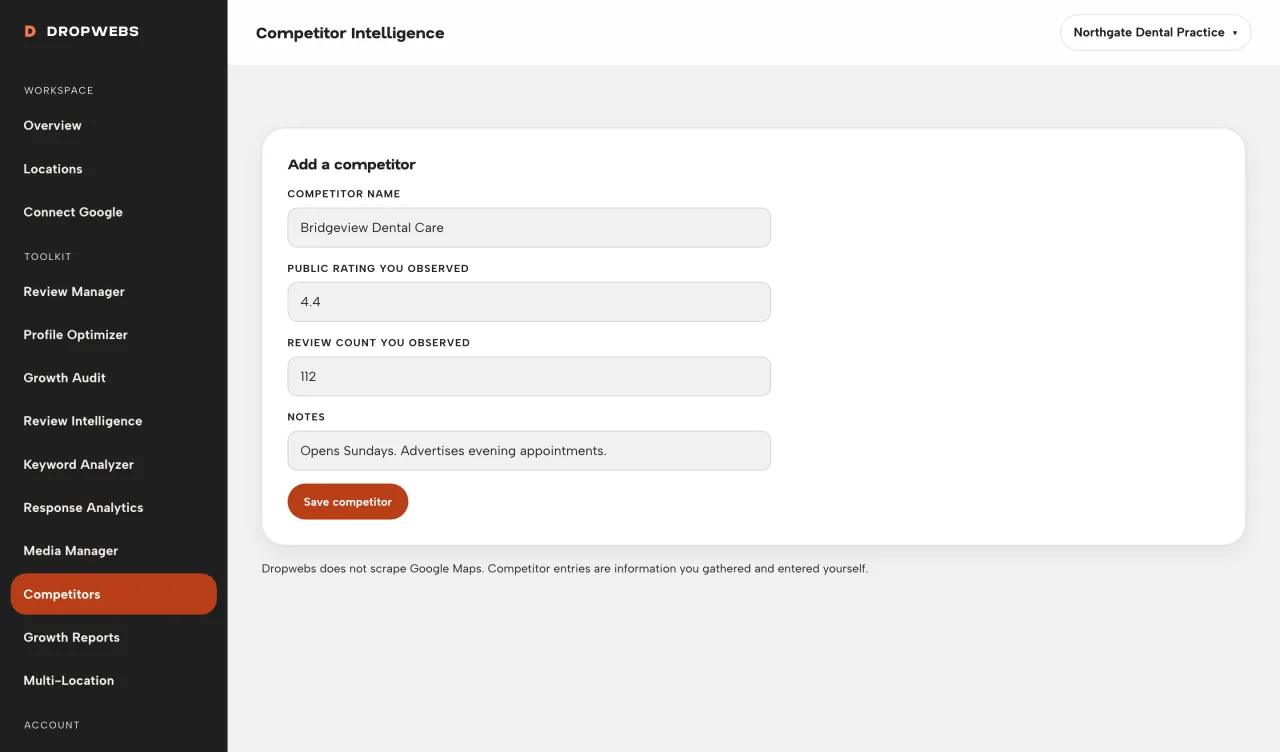
Add the rival you actually care about
Enter the name and any notes you have. Dropwebs does not search Google Maps for you.
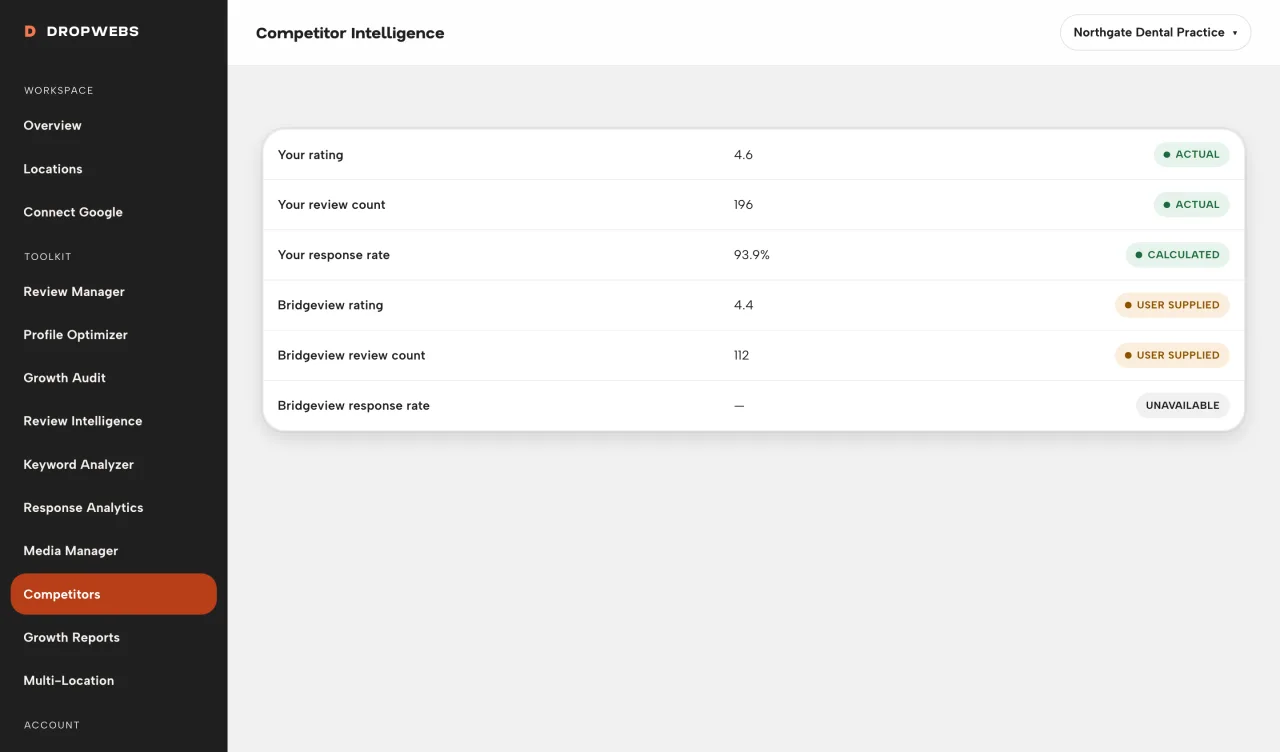
You type the competitor. Dropwebs does not scrape Maps. Every compared field is tagged Google-sourced, calculated, user-provided, or unavailable.
Step 01
Enter the name and any notes you have. Dropwebs does not search Google Maps for you.
Step 02
User-provided notes are yours. Unavailable means we have no Google field to show.
Step 03
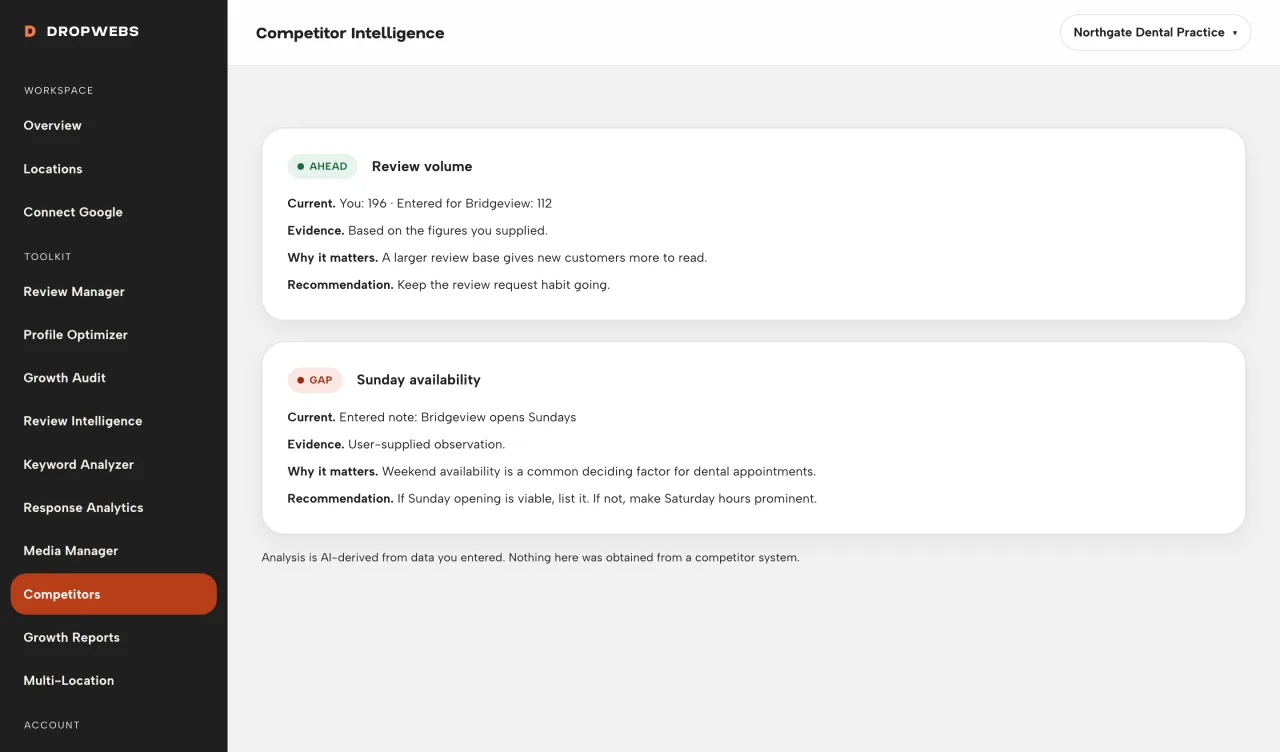
The page will not declare a winner. It shows side-by-side values you can verify.